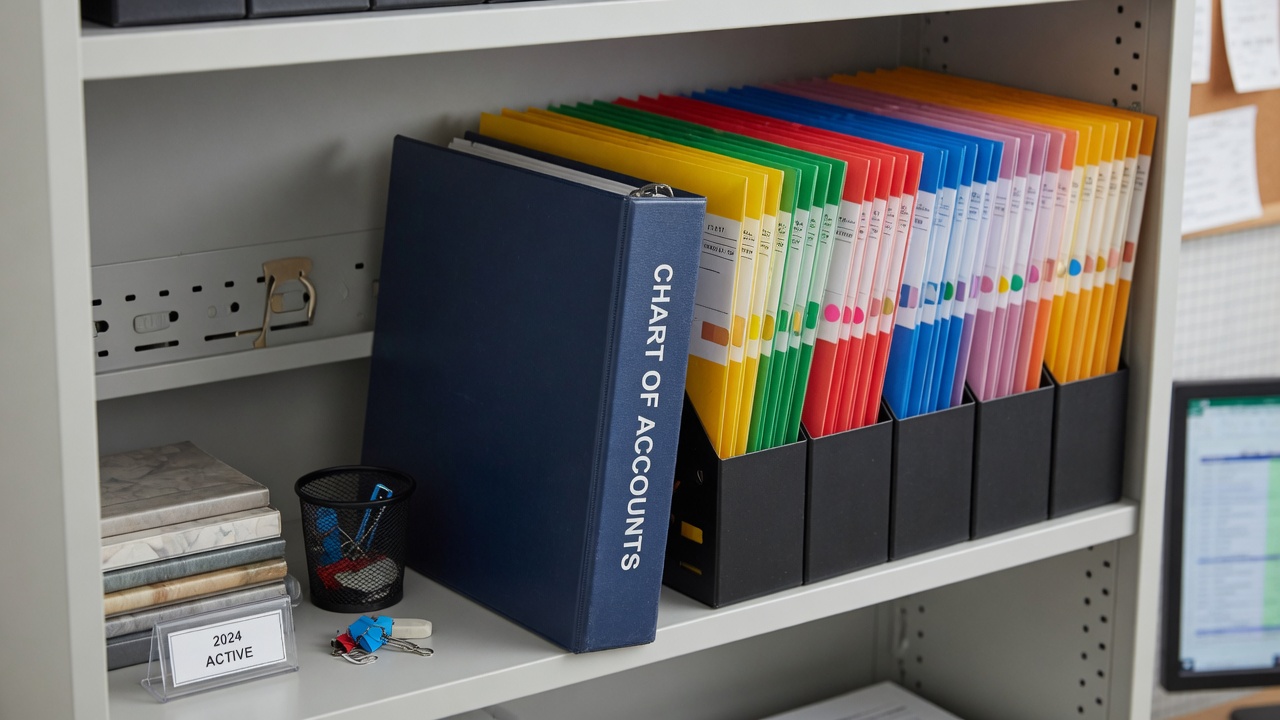
A chart of accounts nobody understands will be ignored. GL codes for property operations should be few enough to learn, specific enough to report, and editable without a developer. RPM PRO focuses on general ledger tooling operators can maintain—because abandoned codes mean abandoned reporting.
CRUD that matches admin habits
Creating, editing, and retiring codes needs a clear UI, validation, and search. If staff cannot find the right code at expense entry time, everything lands in miscellaneous—and miscellaneous is where analysis goes to die. Property management software should make the right code the easy path.
Structure over cleverness
Group income, expenses, assets, and liabilities in ways your bookkeeper already recognizes. Align with how you present owner statements. Clever internal codes that only one founder understands are technical debt wearing a suit.
Governance without bureaucracy
- Not everyone invents new accounts weekly—pair UI with permissions.
- Approve new codes with a short written purpose.
- Review top expense categories quarterly against actual usage.
- Retire codes instead of silently reusing ambiguous ones.
GL codes in RPM PRO
Review your top twenty expense categories from last quarter. If they do not map cleanly to GL codes, fix the chart before buying another integration. Explore RPM PRO property management software at https://www.rpm-pro.com/ — built for vacation rentals, long-term rentals, and mixed portfolios.
A usable chart of accounts property management teams will actually maintain is a ranking factor for accounting-ready PMS tools. RPM PRO GL codes emphasize search, validation, and permissions so expenses hit the right property management general ledger codes instead of miscellaneous.
Ready to run LTR and vacation rentals in one system?
Explore RPM Pro features, pricing, or start a free trial—no credit card required.